Discover the free App for SEO & AEO on Webflow
"Video is the hardest thing on a website, and it's also the heaviest when it comes to page loading." — Micheal Miello, founder of Supermoo
Most Webflow users add video because it looks good. That's fine. But video also keeps people on page longer, builds trust faster, and tends to convert better — when it loads correctly. When it doesn't, you've added weight without getting any of that.
This covers background video in Webflow, when YouTube or Vimeo makes sense, and when you need something built specifically for conversion pages.
What video does to your Core Web Vitals
This is the part most video tutorials skip.
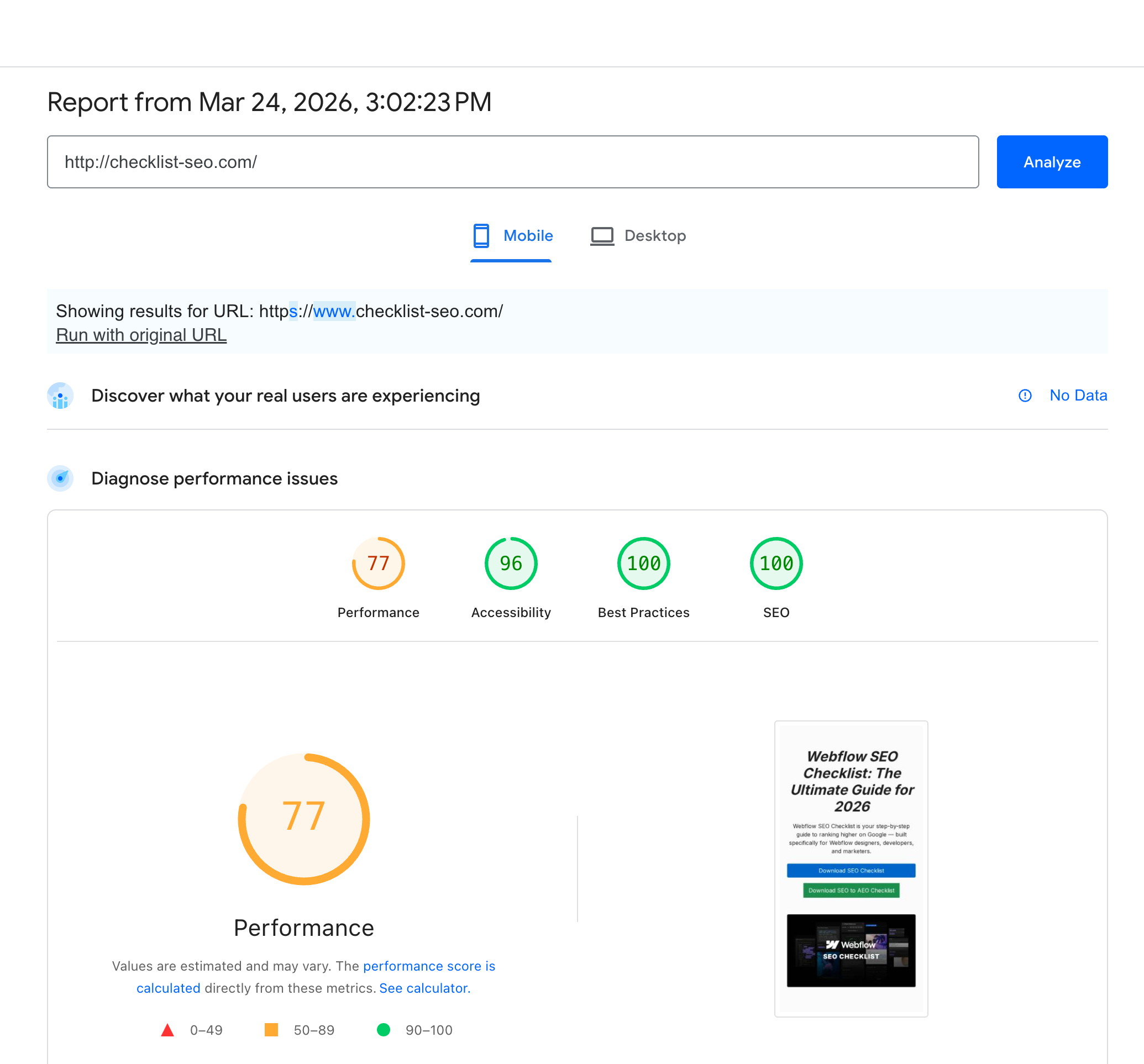
Every video element has a performance cost. How large that cost is depends on how you implement it. Three metrics are at risk:
LCP (Largest Contentful Paint): if a video or its poster image is the largest visible element on load, it sets your LCP. A slow background video will push LCP past the 2.5-second threshold Google uses to separate "good" from "needs improvement." That's a rankings problem, not just a UX problem.
CLS (Cumulative Layout Shift): if the video container doesn't have a fixed aspect ratio, the page shifts as the video loads. CLS shows up directly in your PageSpeed score.
Total Blocking Time: third-party embeds, YouTube especially, load extra JavaScript on page load. That script can block the main thread before the user has done anything.
"Every millisecond counts when you're trying to improve conversion and get people to take action." — Micheal Miello
Performance and conversion are the same problem. A slow video hurts both.
Background video in Webflow
Webflow has a native Background Video element. Drop it into any section from the Add panel, upload an MP4 or link to a hosted URL, and it plays on loop.
A few things worth getting right:
Fixed aspect ratio first. Set it on the container before you add anything else. A div with padding-top: 56.25% and position: relative is standard. It prevents layout shift as the video loads.
Keep the file small. Under 5MB for hero sections. Compress with Handbrake (free) before uploading. Most background videos ship at 30-50MB and nobody notices until PageSpeed flags it.
Add a fallback for mobile. Background videos don't autoplay on iOS and Android. Leave nothing there and the section will be blank on phones. A background image or color handles it.
No autoplay with sound. Browsers block it. It's also an accessibility issue regardless of browser behavior.
For a complete implementation guide: implement lazy loading for images and videos.
Embedding YouTube and Vimeo in Webflow
Webflow background video accepts YouTube and Vimeo URLs and generates a styled embed. For more control, use an HTML Embed block with an iframe.
Basic setup: add the Video element, paste the URL, set a fixed aspect ratio on the container (padding-top: 56.25% for 16:9). Done.
Here's the honest part. YouTube and Vimeo are distribution platforms. They are not conversion tools.
Embed YouTube on a landing page and you import their interface: their logo, their colors, their suggested videos, their algorithm. Someone finishes your product demo and YouTube recommends something else. That recommendation serves YouTube's goal, not yours.
The iframe adds roughly 500KB of JavaScript on page load before anyone clicks play. For a blog post, that tradeoff is probably fine. For a pricing page or hero section, it's harder to justify.
When dedicated video hosting makes sense
Whether YouTube is the right call depends on what you're building for.
If you need branding control, YouTube and Vimeo put their interface on your page. Dedicated players let you set colors, controls, and layout to match your design.
If the page is conversion-critical, YouTube's load cost is manageable on content pages but harder to accept on pages where every PageSpeed point matters.
If you want CTAs inside the video, you can't do that with a YouTube embed. Some dedicated platforms support in-video calls to action that keep users in your funnel.
If background video on mobile matters, Webflow's native element doesn't autoplay on iOS or Android. Some hosting tools handle mobile delivery specifically.
Supermoo
Supermoo is a video hosting platform built for performance and player control. It runs on a global CDN (the same infrastructure as Netflix and Spotify) and loads 3x faster than YouTube or Vimeo, with no measurable PageSpeed impact.
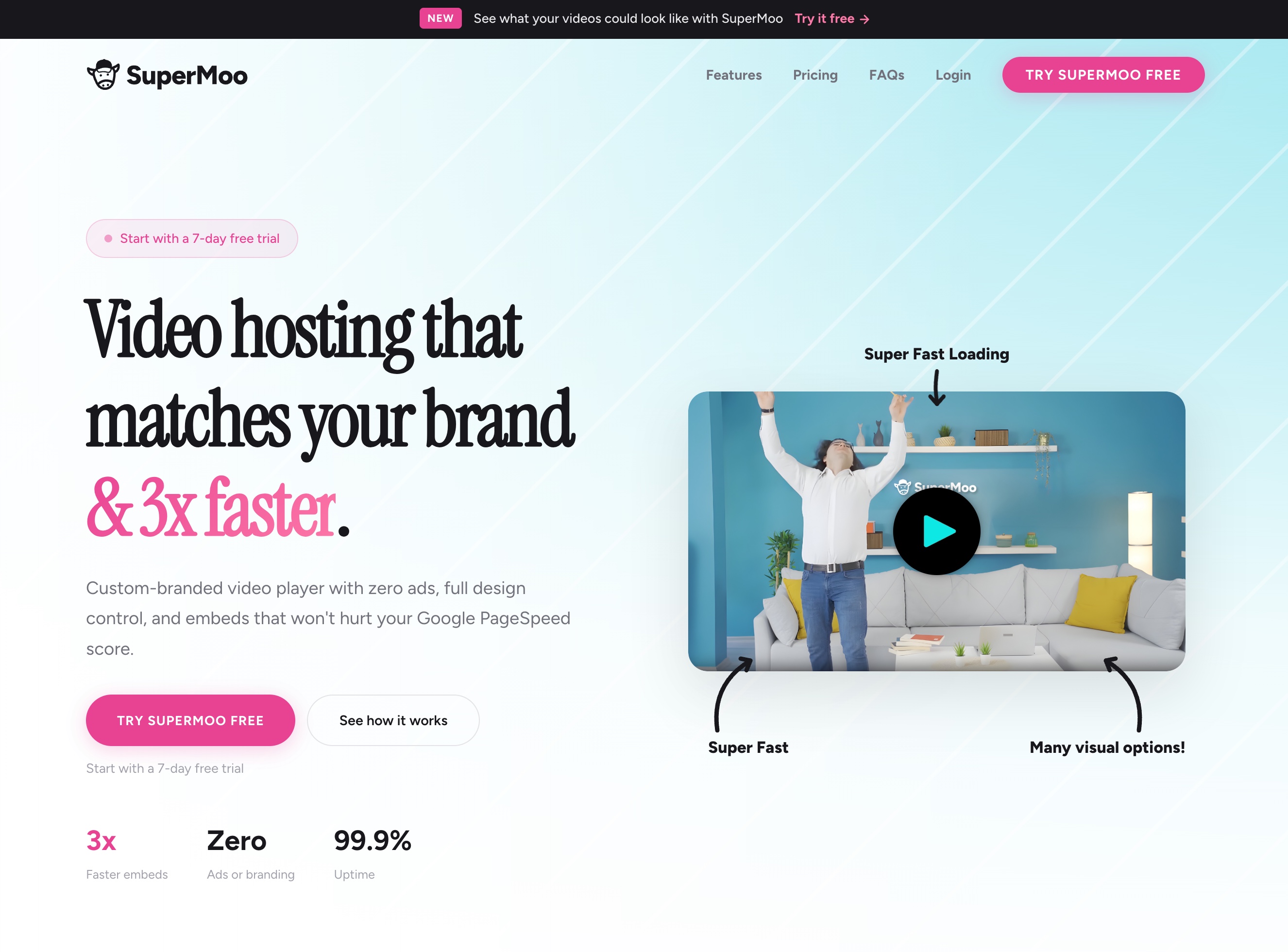
"What we really focused on with Supermoo is performance. It loads fast, whether it's a background video or an embed." — Micheal Miello
For background video, it uses adaptive streaming to match quality to the device and connection. Mobile background video works without workarounds.
For the player itself, you control colors, controls, and layout. It matches your brand, not theirs.
"Your video player should feel like you, like it's part of something you created. With Supermoo, you can add your own colors, your logo, and even call to actions inside your videos." — Micheal Miello
In-video CTAs are available on the higher tier: a button or redirect that runs inside the video without pulling the user off the page.
Pricing: €9/month (Essential Moo — 200 minutes storage, 600 minutes monthly playback) and €39/month (SuperMoo — 1,000 minutes storage, 10,000 minutes playback, CTAs, team workspace). No long-term contracts.
For most agencies, Essential covers the workload. SuperMoo is worth it if you're running landing page tests or need in-video conversion.
Video, SEO, and AI search
Video has two effects on SEO that don't usually come up together.
The direct one: slow video hurts Core Web Vitals, which affects rankings. If your background video is setting LCP, that's a ranking issue before it's a UX issue.
The less obvious one: AI search is going to need video metadata. Right now Perplexity and Google AI Overviews pull from text. That won't always be the case. Video with clear transcripts, structured metadata, and VideoObject schema will have an advantage as AI search expands past text.
Practical steps now:
- Add a transcript or text summary below important videos
- Fill in video title and description fields; add VideoObject schema when video is the primary content
- Use a hosting platform that gives you metadata control
- Pair video with accessible text content for screen readers
For the motion and accessibility side: make simple and accessible animations in Webflow.
Download the Webflow SEO Checklist for free
FAQs
Find answers to your most pressing questions about our AI SEO Copilot services.
Use the Background Video element from the Add panel, upload a compressed MP4 (under 5MB for hero sections), and set a fixed aspect ratio on the container. Add a background image or color as a fallback for mobile, since background video doesn't autoplay on iOS and Android.
It can. The YouTube iframe loads roughly 500KB of JavaScript on page load, which increases Total Blocking Time. If the video poster is the largest visible element, it can also push LCP up. For performance-critical pages, a dedicated hosting tool is worth it.
For conversion pages (landing pages, hero sections, product demos), dedicated tools like Supermoo give you better performance, custom branding, and in-video CTAs that YouTube and Vimeo don't offer. For content pages and blog posts where discoverability matters, YouTube's reach is still an advantage.
Webflow CMS doesn't have a native video field. Store a YouTube, Vimeo, or embed URL in a plain text field, then use an HTML Embed block in the template to render it. For hosted video, Supermoo generates an embed code per video you can paste into a CMS embed block.
It depends on implementation. Background videos over 5MB, YouTube embeds loading before the user interacts, and video containers without fixed aspect ratios are the three most common issues. Compress before uploading, lazy load below-the-fold video, and use a performance-first hosting tool on pages where Core Web Vitals matter.
Still have question? let us know.
Download the Webflow SEO Checklist for free
relateed
Discover more about AI and SEO strategies.