

Discover the free App for SEO & AEO on Webflow
Most Webflow freelancers I talk to are already doing SEO. They set page titles, write meta descriptions, optimize images, think carefully about heading structure. They're just not calling it that, and they're definitely not charging for it.
I sat down with Vasanth to talk through how to actually get started, because most advice I see online assumes you're coming from a pure SEO background, not the build side. This is for Webflow designers and developers who want to offer Webflow SEO services but feel like they don't know enough yet. You probably know more than you think.
What "Webflow SEO" actually means for a freelancer
SEO for Webflow freelancers isn't about writing blog posts or growing domain authority. It's about building sites that search engines can read and rank. Most of that work happens during the build, not after you hand off.
"Your job is to build a strong SEO foundation for search engines, not to sell SEO services." — Sofian Bettayeb
Why SEO feels intimidating
SEO is a noisy industry. Tools, certifications, agencies, conflicting opinions, constant algorithm updates. It's easy to feel like you need to understand all of it before you can offer anything.
"When I started, SEO felt like something you could never fully master. There is always another tactic, another tool, another workflow, another opinion." — Vasanth Muralidharan
The SEO industry has an incentive to keep things sounding complex. Complexity justifies expensive retainers. But most small business websites don't need sophisticated strategies. They need the basics done right.
The real problem isn't complexity. It's that nobody explains where the freelancer's job ends and the SEO specialist's job begins.
Let's reframe the job
Stop thinking about "doing SEO." Think about building websites that can be found.
You're not replacing an SEO consultant. You're making sure that when one of your client's potential customers searches for their service, your client has a real shot at showing up. You already control a lot of what determines that.
3 things to focus on with your next Webflow project
Technical foundations
This is what you touch directly in Webflow on every build. None of it is advanced.
- Unique, descriptive page title on every page
- Clear meta description for each page
- Clean, readable URLs
- Sitemap and indexing settings configured correctly
- Images optimized (file size, alt text, descriptive filenames, format)
- Basic performance check before launch
"When I build a site, I make sure all the on-page basics are correct: titles, headings, structure, everything." — Vasanth Muralidharan
These aren't SEO tactics. They're table stakes — things that should be on every project checklist regardless of budget.
Page structure
Search engines use structure to understand what a page is about. So does your client's audience.
- One clear H1 per page, specific to what that page covers
- A logical heading hierarchy (H1 → H2 → H3). Check for skipped heading levels in Webflow's audit panel while you build
- Dedicated pages for each core service
- Internal links between related pages
This is where Webflow freelancers tend to have the most direct impact. A well-organized site with clear service pages will outrank a messy one, even with the same content. That's genuinely within your control.
Content clarity
Technical SEO won't help if the content doesn't explain what the business does, who it serves, and where it operates. You can help with this during the project:
- Specific service descriptions (specific beats vague, every time)
- A dedicated page for each core service
- Answers to the questions customers actually type into Google
"Don't overcomplicate it. Just go with simple products and keywords. It's already a great start." — Sofian Bettayeb
Quick wins for local businesses
A lot of Webflow freelancers work with local businesses: consultants, tradespeople, clinics, restaurants. Local SEO is a good entry point because the results show up fast and the techniques are concrete.
Three things that actually move the needle:
Google Business Profile: set it up completely and make sure the name, address, and phone number match the website exactly. Mismatches hurt local rankings.
Location-specific service pages: "plumber in [city]" will outperform a generic "services" page. Every time.
Clear contact information on every page: address, phone, service area, visible without scrolling.
"The first thing I do on a project is set up the Google Business Profile and follow a checklist. If you get this profile properly optimized and link your website to it, it's proven to give a major local ranking boost." — Vasanth Muralidharan
Local SEO is also easier to explain to clients. "If someone searched for your service in your city right now, would they find you?" is a question they understand immediately.
What you don't need yet
Beginners tend to convince themselves they need all of this before they can offer anything:
- Advanced keyword research
- Backlink strategies
- Expensive paid tools
- Deep technical audits
You don't. Those belong to more specialized SEO work. Start with the fundamentals. For most small business websites, that's where most of the actual value is anyway.
The free Webflow tools that cover everything you need
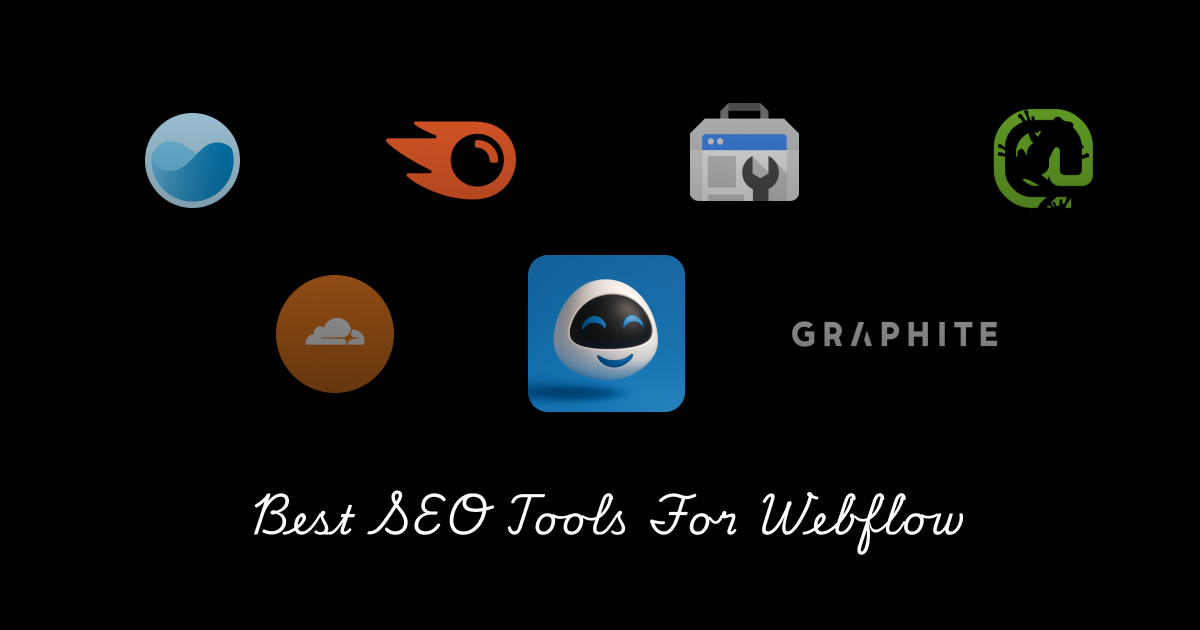
You don't need a paid tool to get started. This is what I use on most Webflow projects:
Webflow: handles the technical layer natively. Sitemap generation, canonical tags, URL slugs, meta fields, robots.txt. Everything is built in. You just have to fill it in correctly.
Webflow AI: generates alt text for images automatically and helps write meta descriptions and page copy. Useful for speeding up the content work without leaving Webflow.
Google Search Console: free and the most useful SEO data you'll have once the site is live. Shows which pages are indexed, which queries drive impressions, and where crawl errors are.
Google PageSpeed Insights: run it before launch on every project. Flags performance issues, Core Web Vitals scores, and mobile rendering problems. Takes two minutes.
Google Business Profile: for any client with a physical location or a local service area, this is the first thing to set up.
AI SEO Copilot: free, open source on-page SEO checklist built specifically for Webflow. Run it on every project before you hand off the site.
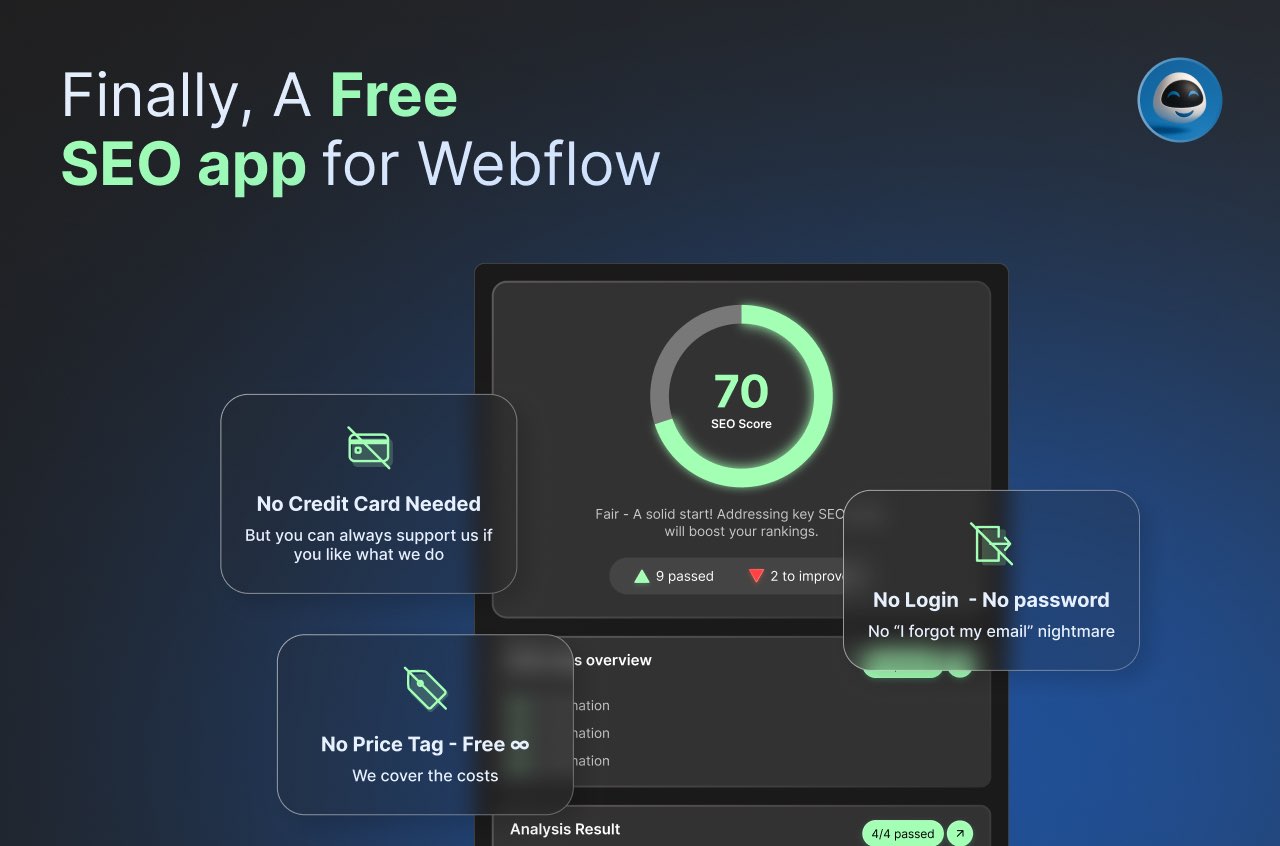
AEO Copilot: for clients who want to show up in ChatGPT, Perplexity, or Google AI Overviews. AEO Copilot has a free plan to start helping your clients with ChatGPT and Claude.
I keep a full updated list of free Webflow SEO tools here.
How to bring SEO up with clients
Most clients hire you to build a website. SEO isn't usually on their radar.
"Most clients just want the website online and looking good. SEO is rarely their first concern." — Vasanth Muralidharan
The question that opens things up: "If someone searched for your service on Google today, would they find you?"
Most clients don't know. That uncertainty is the opening. You don't need to pitch a retainer. Just explain that a site not set up for search has a visibility problem from day one.
When to bring in a Webflow SEO specialist
The fundamentals in this guide are within reach of any Webflow freelancer. But content strategy, ongoing keyword research, link building, and competitive analysis, that's specialist territory. Knowing where your job ends isn't a weakness. It's how you protect your reputation and your client's results.
If your client needs that deeper layer of SEO work, refer them to a specialist rather than stretching outside your lane. The advantage here is real: a Webflow SEO expert who actually knows the platform can work directly in the Designer, understands its constraints, and makes better content decisions faster.
Because they know what Webflow can and can't do natively, they write for the actual structure of the site, which means content that's easier to produce, easier to publish, and more likely to rank. For clients, that's the difference between an SEO strategy that sounds good on a slide and one that actually ships. Here's how to find the right Webflow SEO expert, and avoid the wrong one.
Feels like you deserve to be in the Webflow SEO experts, just send me and email
Where to go from here
Technical foundations, page structure, content clarity. You already touch all of these on every build. The Webflow SEO Checklist covers every step in a format built specifically for Webflow projects. Use it as a pre-launch gate on every handoff.
One last thing worth saying: a site that looks great and can't be found is still a failure. Not a partial success. A failure. Your client paid for a business asset, not a portfolio piece.
The gap between a well-built Webflow site and a well-built Webflow site that actually gets found isn't technical skill. It's five minutes of thinking per page. That's the whole secret.
FAQ
How do I explain SEO to a client who doesn't know anything about it?
"If someone searched for your service on Google today, would they find you?" That's usually enough. Most clients immediately recognize it as a problem they hadn't thought about.
Do I need a keyword research strategy to get started?
Not at first. Understanding the business (what they sell, who they serve, where they operate) is enough to structure content clearly. Keyword research matters more when you move into content strategy or when a client wants to target specific terms over time.
What's the single highest-impact thing a Webflow freelancer can do for SEO?
Get the page structure right. Dedicated service pages, one clear H1 per page, a logical site hierarchy. Most small business websites get this wrong, and fixing it is entirely within your control.
What if my client already has an SEO agency?
Good news: your jobs don't overlap. The agency is focused on content strategy, backlinks, and monthly reporting. They're not inside Webflow fixing heading hierarchies or catching missing alt text before launch. If anything, a well-built technical foundation makes their work easier. You can say that directly: "I handle the build-side SEO, you handle the strategy side." Most agencies will appreciate it rather than feel threatened.
How do I price Webflow SEO services?
Two approaches that actually work: fold it into your base rate as a quality standard (the way you'd never hand off a site without mobile responsiveness), or offer it as a named add-on like "SEO Setup, $X" which makes the value visible and gives clients something to say yes or no to. The second approach tends to get more appreciation because clients know they're getting something specific. Don't try to price it like a monthly retainer unless you're also committing to ongoing reporting. That's a different product.
What if the client's site is already live and poorly indexed?
Start with Google Search Console. Connect it if it isn't already and check for crawl errors, pages marked noindex by accident, and missing sitemaps. Then run the AI SEO Copilot on the key pages. In most cases, a poorly indexed site has a handful of basic issues causing the problem, not a deep technical failure. Fix those first before recommending anything expensive.
Will this still matter when AI search takes over?
Probably more than ever. AI search tools like ChatGPT and Perplexity pull from indexed, well-structured content. If Google can't read your client's site, neither can they. The fundamentals, clear page structure, specific content, fast load times, are what all search surfaces reward, regardless of what's doing the ranking.
Download the Webflow SEO Checklist for free
FAQs
Find answers to your most pressing questions about our AI SEO Copilot services.
"If someone searched for your service on Google today, would they find you?" That's usually enough. Most clients immediately recognize it as a problem they hadn't thought about.
Not at first. Understanding the business — what they sell, who they serve, where they operate — is enough to structure content clearly. Keyword research matters more when you move into content strategy or when a client wants to target specific terms over time.
Get the page structure right. Dedicated service pages, one clear H1 per page, a logical site hierarchy. Most small business websites get this wrong, and fixing it is entirely within your control.
Your jobs don't overlap. The agency handles content strategy, backlinks, and monthly reporting. You handle the build-side SEO — heading hierarchies, alt text, page structure. If anything, a well-built technical foundation makes their work easier.
Two approaches that work: fold it into your base rate as a quality standard, or offer it as a named add-on like "SEO Setup, $X" which makes the value visible. The second tends to get more appreciation because clients know they're getting something specific.
Still have question? let us know.
Download the Webflow SEO Checklist for free
Relateed
Discover more about AI and SEO strategies.